E-commerce
An ecommerce chatbot and CRM: every question becomes a sale you can follow
The AI agent answers shipping, returns and sizing questions at night, starts conversations on your product pages and captures the requests that need a follow-up: group orders, made-to-order items, business purchases. The CRM does the rest.
- AI agent and CRM in every plan
- Data hosted in Canada
- No credit card for the trial
11:26 PM
Hi, do you ship anywhere in Canada?
Brio Outdoor · AI agent · Just now
Yes: delivery in 3 to 5 business days, free on orders over $100. Can I help you choose something?
I’d like 12 Trek 30 backpacks for our hiking club. Do you have a group price?
Group orders are handled by the team, who check stock and prepare a price. Do you need a specific color or date?
Blue if possible, before March 15.
Noted. What name and email should the team send its proposal to?
Jonas Berg, jonas.berg@mail.example
Thanks, Jonas! The team will email you tomorrow with the price and timing.
Contact record created in the CRM
- One line of code or Google Tag Manager
- English, French, Spanish
- Anthropic’s Claude Haiku 5.5
- iOS and Android app: coming soon
At night, the AI agent greets
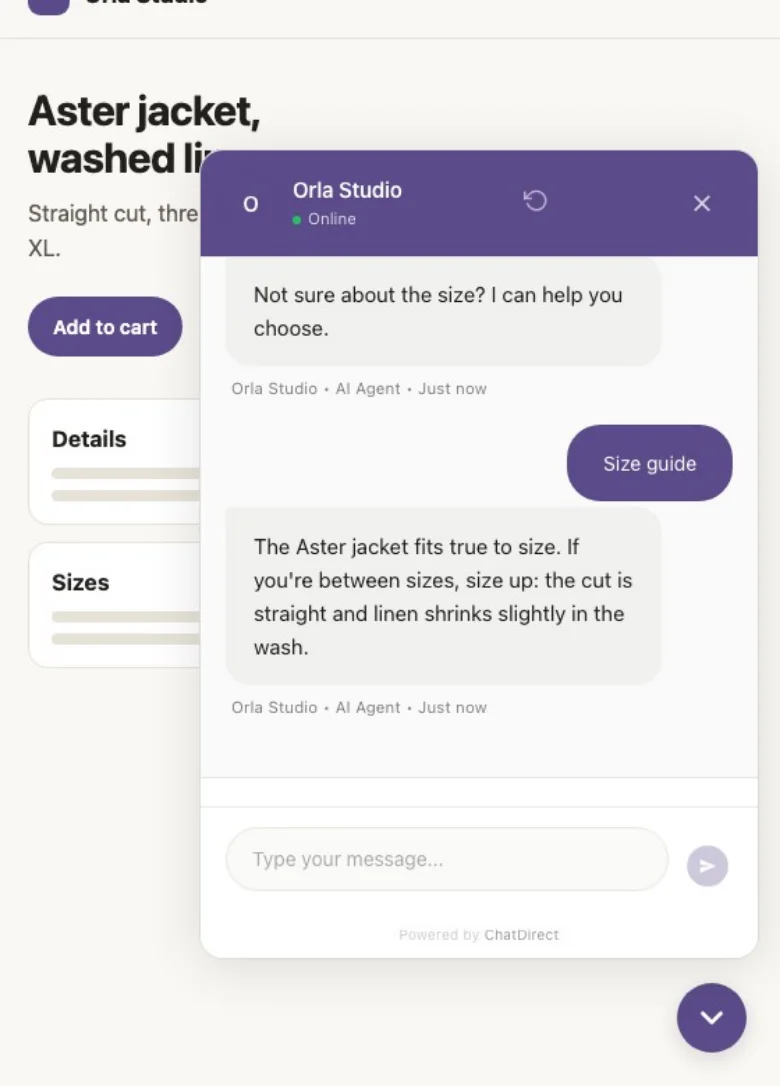
What the AI agent does for your online store
Answers before the purchase
Shipping, returns, sizing, care: it answers from your FAQ and policies; on the Pro plan and up, also from your documents, product pages and the page being viewed.
Starts the conversation at the right time
A proactive message opens on the pages you choose, after the delay you set (for example: "Need help with sizing?").
Spots the sales worth following
Group orders, made-to-order items, business purchases: it asks your questions and collects contact details.
Hands off to your team
When a visitor wants a person, a team member takes over live, with the history.

By day, you close
What happens next? Every special order lands in your CRM
As soon as a customer leaves an email, their record is created with the whole conversation. You create the deal in one click, schedule the proposal and follow the order through to the purchase.
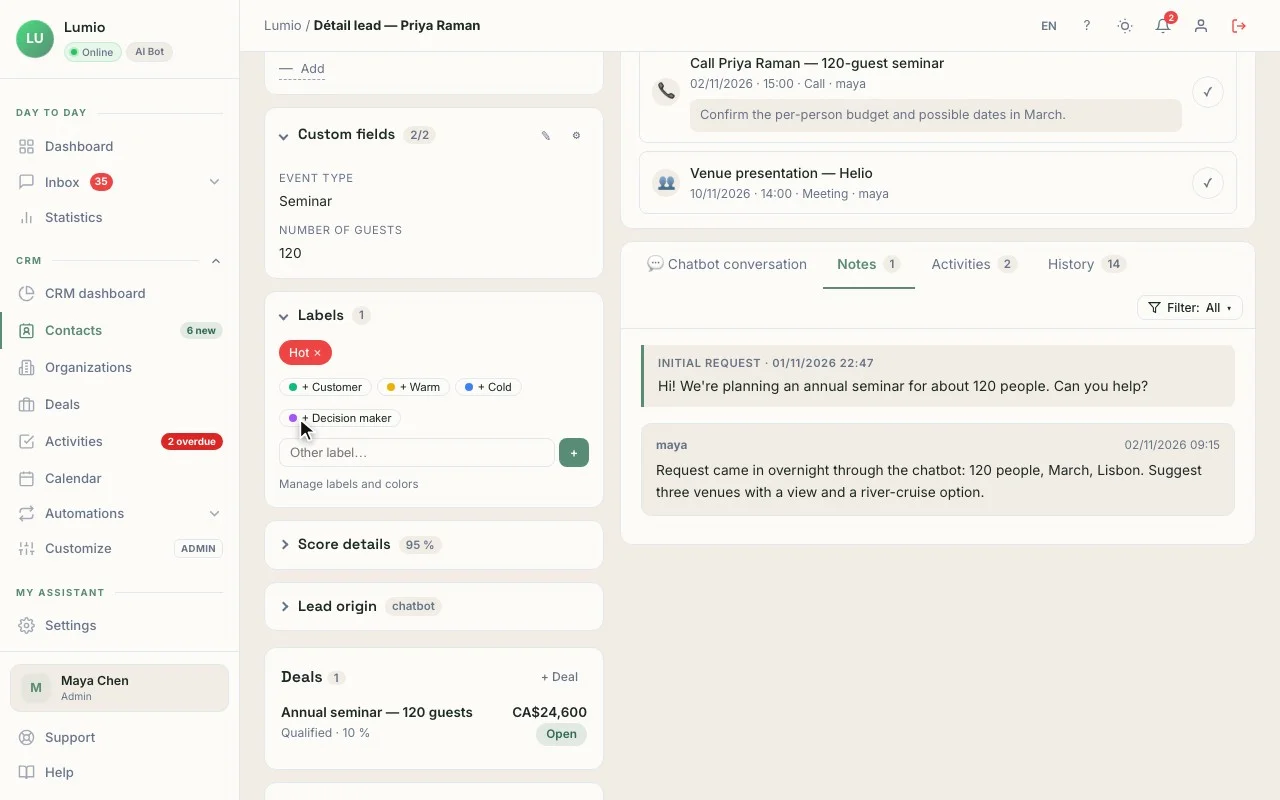
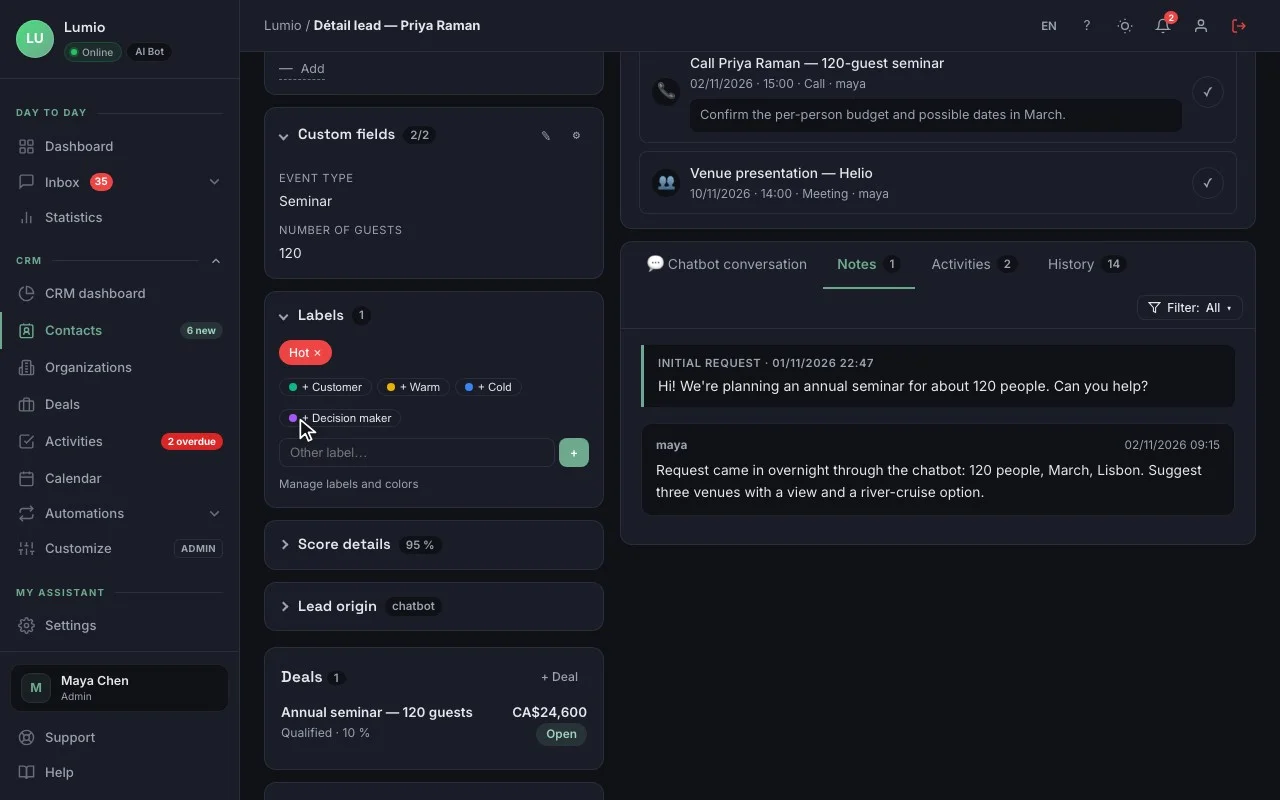
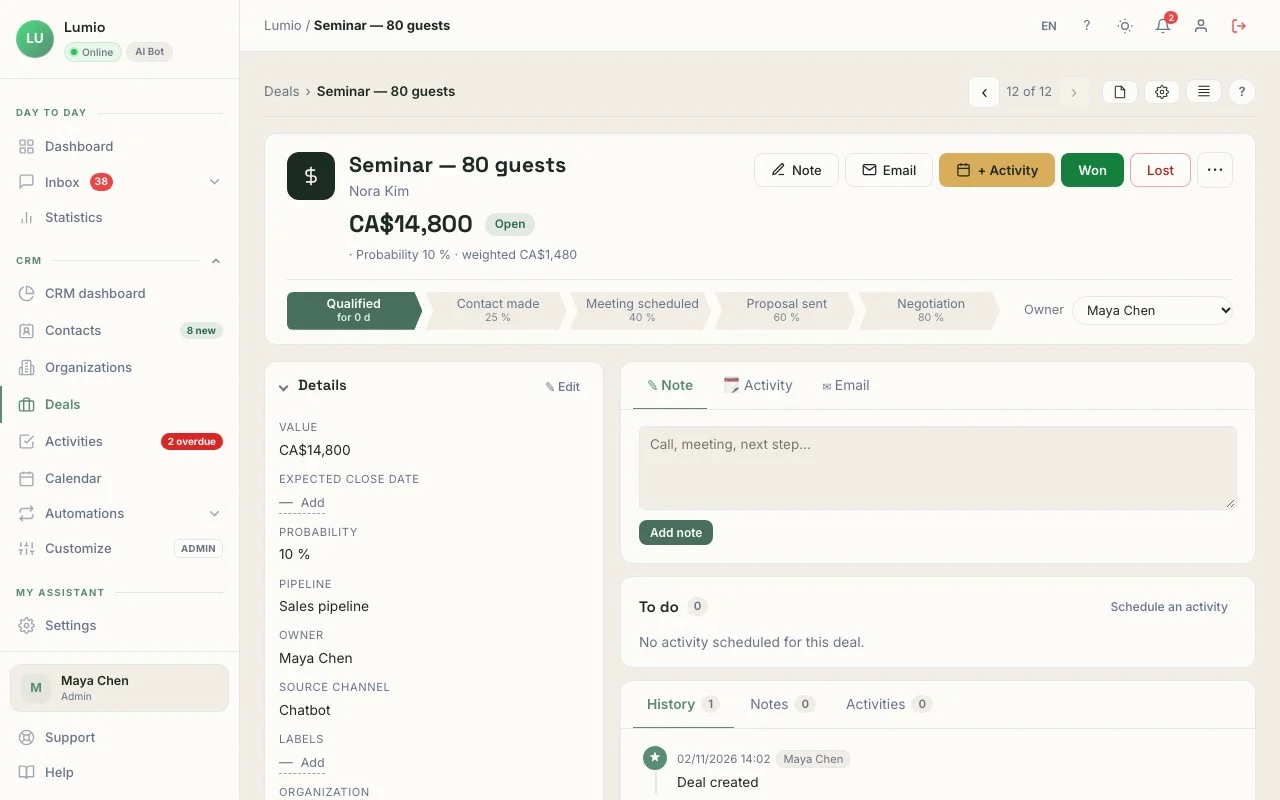
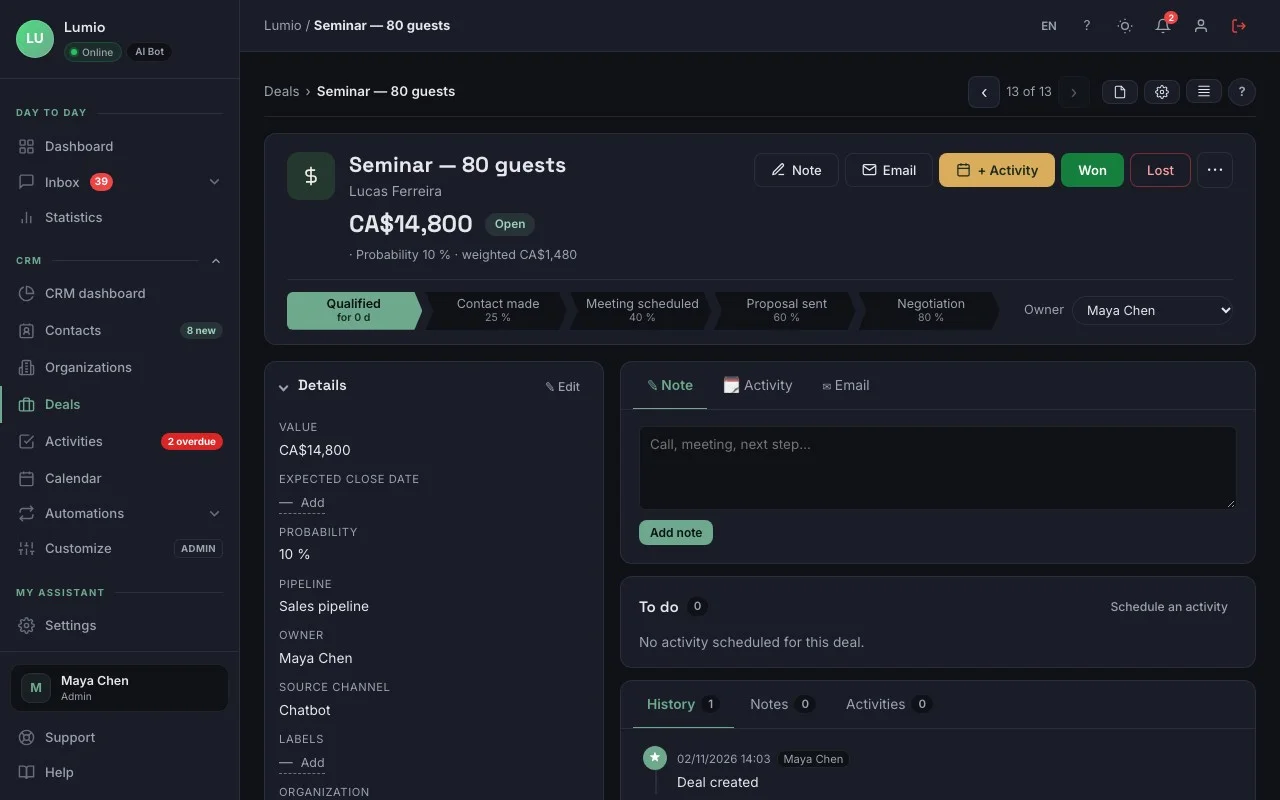
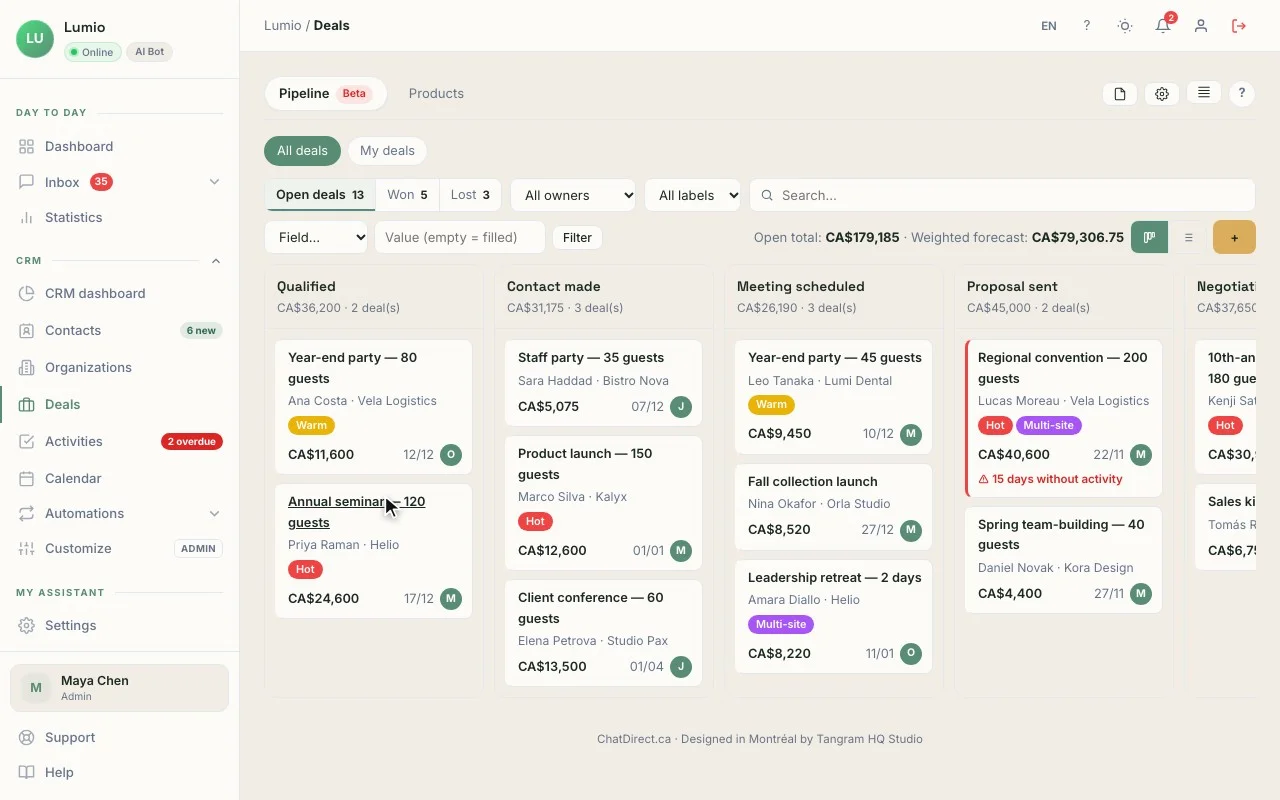
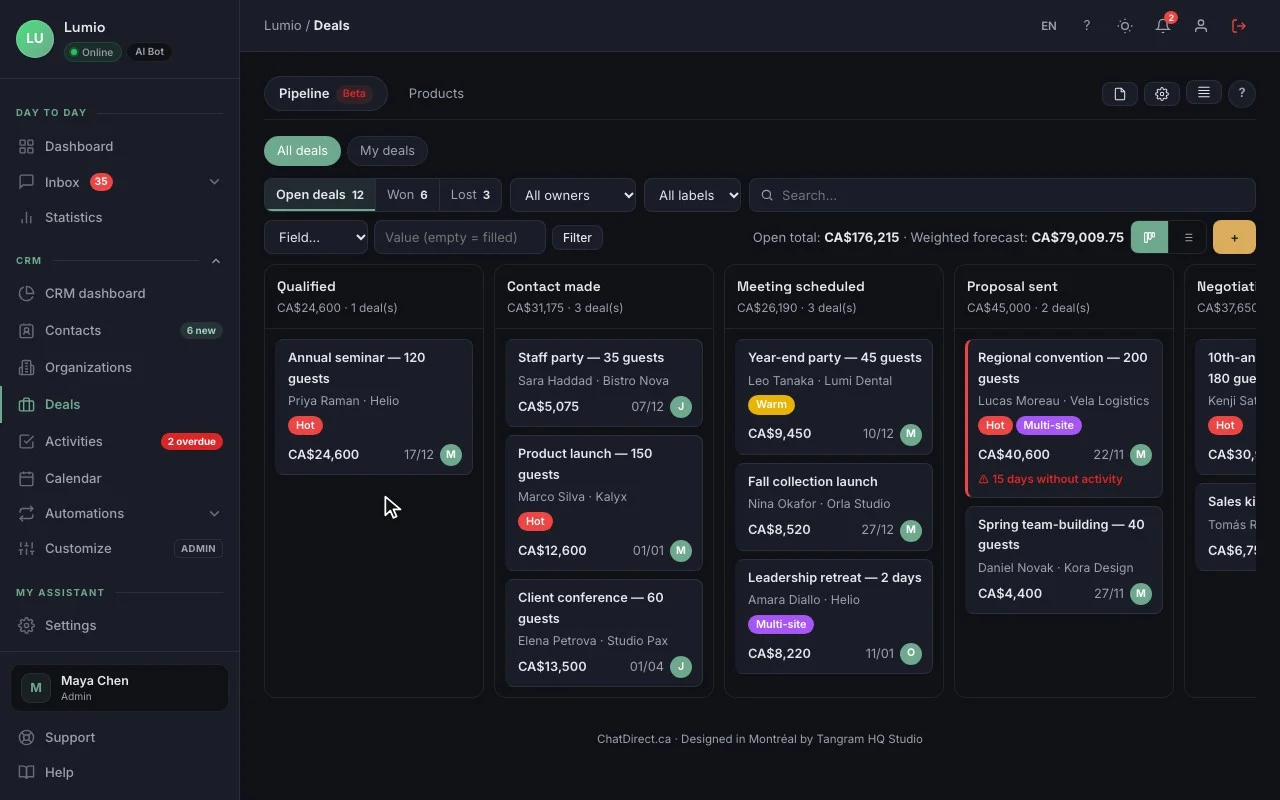
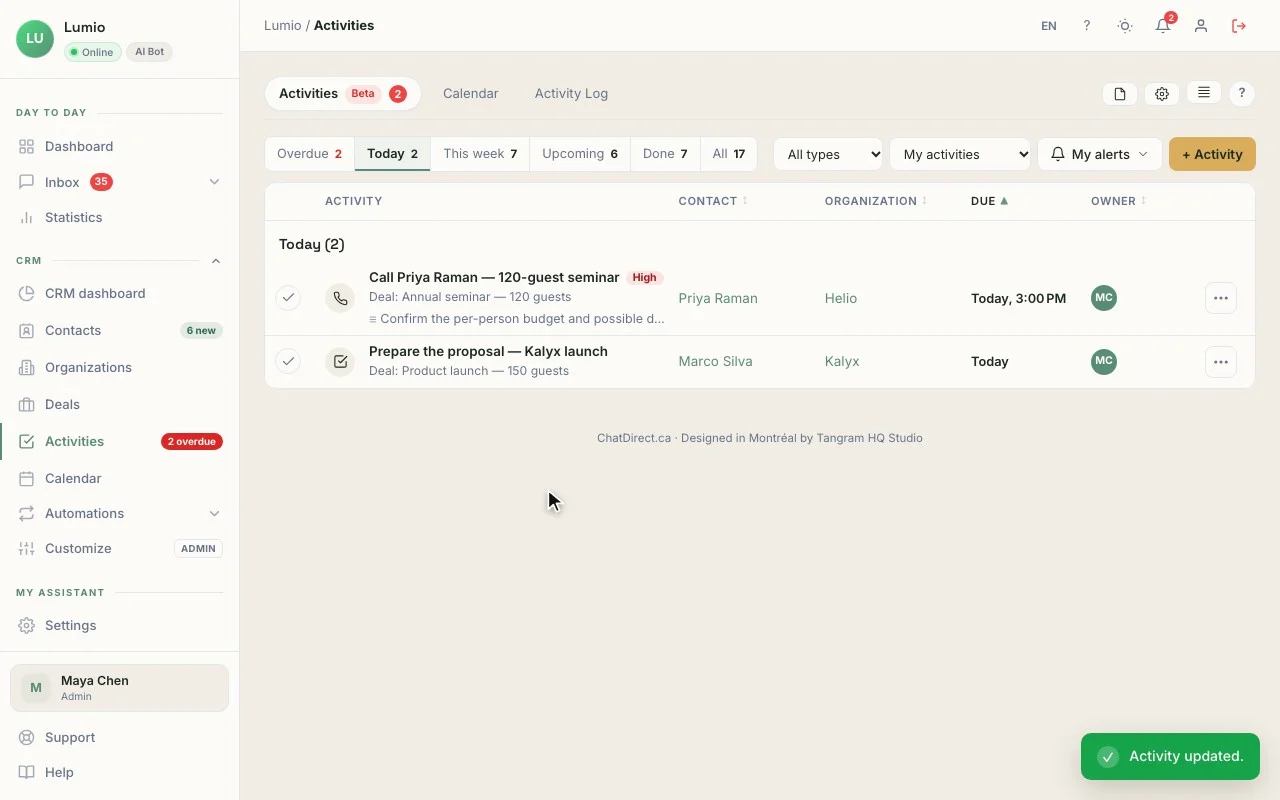
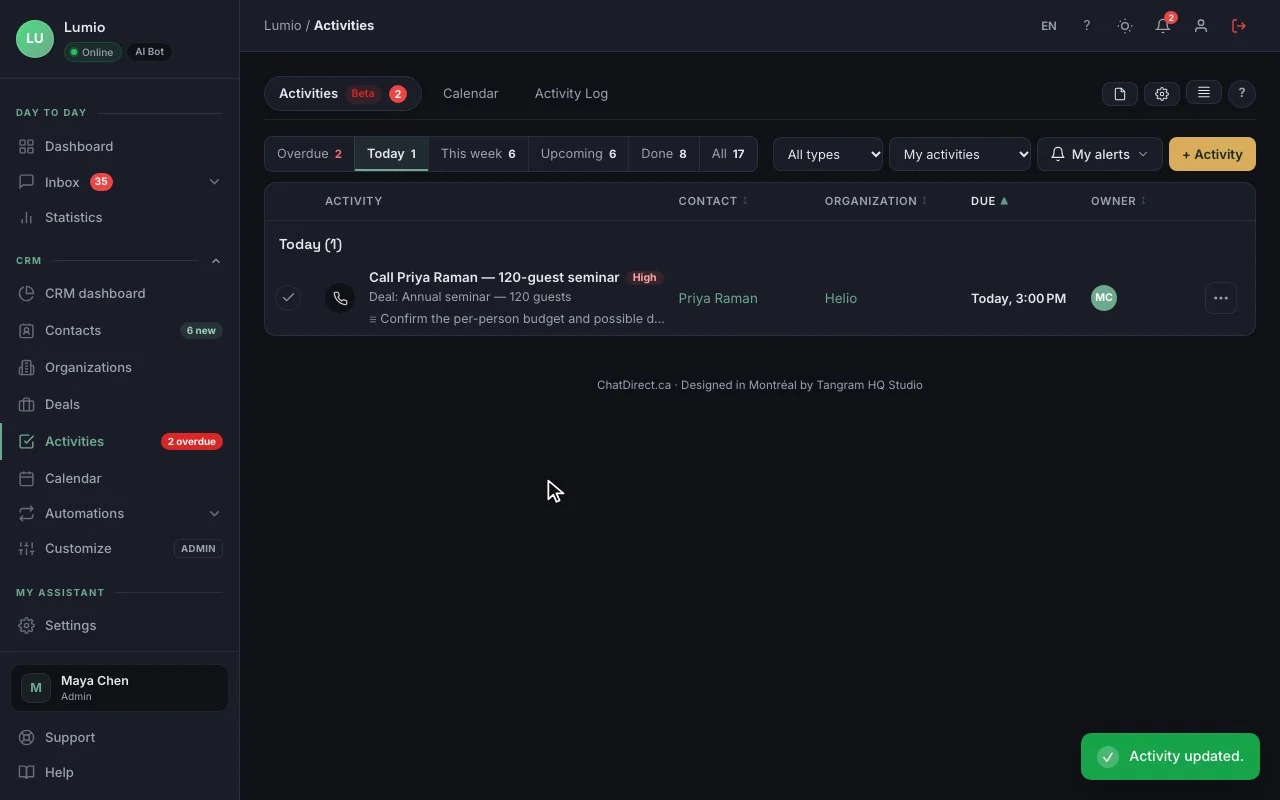
The contact record, with the conversation that brought them in. The real CRM, fictional data (Lumio agency).
In your account, records and deals hold your own requests.
01The record
"12 Trek 30 backpacks, blue, before March 15", the lead source (Chatbot · 11:26 PM) and a score from 0 to 15, with nothing to retype.
02The deal
"Group order · 12 Trek 30 backpacks", CA$1,740, at the Contacted stage, created in one click from the record. Add the item as a product and the value follows the quantity.
03The activity
"Send the group price proposal", tomorrow at 10:00 AM, with an alert; the email can be drafted with AI (Pro and up).
04The pipeline
New, Contacted, Proposal, Ordered: your special sales kept apart from regular store orders.
The CRM is included in every plan, trial included. The number of contacts depends on the plan: 100 during the trial, then 250, 2,500, 10,000 or 20,000. See pricing
A typical day
11:26 PMAt night, the AI agent greets
Do you ship anywhere in Canada?
Brio Outdoor · AI agent
Yes: delivery in 3 to 5 business days, free on orders over $100. Can I help you choose something?
Jonas Berg, jonas.berg@mail.example
Thanks, Jonas! The team will email you tomorrow with the price and timing.
Contact record created in the CRM
7:00 AMIn the morning, “My day”
My day4 new prospects overnight
- JBJonas BergGroup order · 12 backpacks
- ATAiko TanakaCorporate gifts
- PMPaul MercerSize exchange · waiting
11:20 AMBy day, you close
- Prospect source
- Chatbot · 11:26 PM
- Deadline
- March 15
Three ways to use it in ecommerce
Shopify or WooCommerce store
The widget installs with one line of code or Google Tag Manager; the agent answers the questions that stall a purchase, day and night.
Technical or custom products
It guides shoppers to the right model from your guides, and complex requests become records to call back.
Business and group sales
Clubs, schools, companies: every bulk request becomes a deal with its value, followed through to the order.
Tools that go with it
- Install on Shopify, WooCommerce, Wix or Squarespace: one line of code or Google Tag Manager all plans
- Google Analytics 4 and Slack all plans
- Google Sheets and webhooks to Zapier or Make Pro and up
- Chatbot on WhatsApp and Messenger Business and up
Your data, hosted in Canada
Data hosted in Canada, encrypted connections (HTTPS), API keys and credentials encrypted (AES-256), hashed passwords. ChatDirect gives you settings that help you meet Quebec’s Law 25 and the GDPR: consent, retention period, export and deletion of a visitor’s data. Message content is sent to the AI provider you choose to generate replies. Privacy policy
Frequently asked questions
Does the chatbot see my stock and orders?
No. It doesn’t read live inventory or order status. It answers from your policies and documents, and points shoppers to your tracking page or to your team.
Can it recover abandoned carts?
No, it doesn’t detect abandoned carts or send recovery emails. It can, however, open a conversation on a page you choose, after a delay you set.
Why use a CRM for an online store?
Because some sales don’t go through the cart: group orders, made-to-order items, business purchases. ChatDirect’s CRM, included in every plan, tracks them from the first question to the purchase, with the conversation on the record.
Does it work on Shopify?
Yes, as well as WooCommerce, Wix and Squarespace: one line of code in your theme, or Google Tag Manager. There’s no app to install.
Tonight, your store can already answer your customers.
Install ChatDirect tonight: tomorrow morning, “My day” will tell you who to call. Free 14-day trial, no commitment.