Renovation & Construction
An AI chatbot and construction CRM for renovation and building contractors
While you’re on the job site, the AI agent answers homeowners, asks about the type of work, dimensions, timeline and a photo, then collects contact details. By evening, every quote request is waiting in the CRM, ready for the site visit.
- AI agent and CRM in every plan
- Data hosted in Canada
- No credit card for the trial
12:26 PM
Hi, do you do full kitchen remodels?
Cedro Renovations · AI agent · Just now
Yes, from demolition to finishing. Roughly how big is your kitchen, and when would you like to start?
About 12 by 14 feet. Ideally in March.
Thanks. Could you send me a photo of the current kitchen? It will help the estimator prepare the visit.
kitchen.jpg
Got it. What name and email should the estimator use to set up the visit?
Lucas Moreau, lucas.moreau@mail.example
Thanks, Lucas! The estimator will email you tomorrow to schedule the site visit.
Contact record created in the CRM
- One line of code or Google Tag Manager
- English, French, Spanish
- Anthropic’s Claude Haiku 5.5
- iOS and Android app
At night, the AI agent greets
What the AI agent does for your business
For a closer look, read our article on the chatbot for renovation contractors.
Qualifies the quote request
Type of work, dimensions, timeline, rough budget: it asks your questions, so you know before the visit whether the job fits.
Receives photos
If you turn on file uploads, the visitor attaches a photo or a plan (2 MB max) right in the conversation.
Answers questions about your services
Types of work, service area, licenses and warranties, lead times: from your instructions and, on the Pro plan and up, your documents.
Lets you keep working
You get an email for every new request; a client wants to talk? You take over the conversation live from your phone.
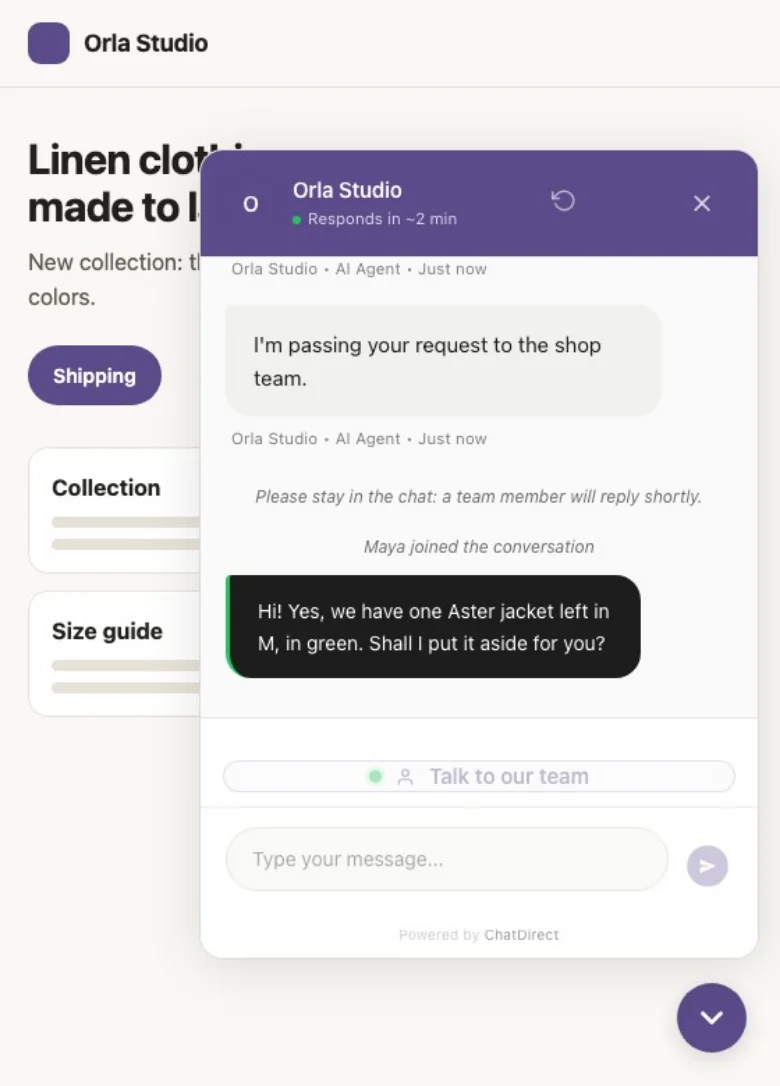

By day, you close
What happens next? Every quote request lands in your CRM
As soon as a homeowner leaves an email or phone number, their record is created with the whole conversation. You create the deal in one click, set the visit and follow the quote through to the signed contract.
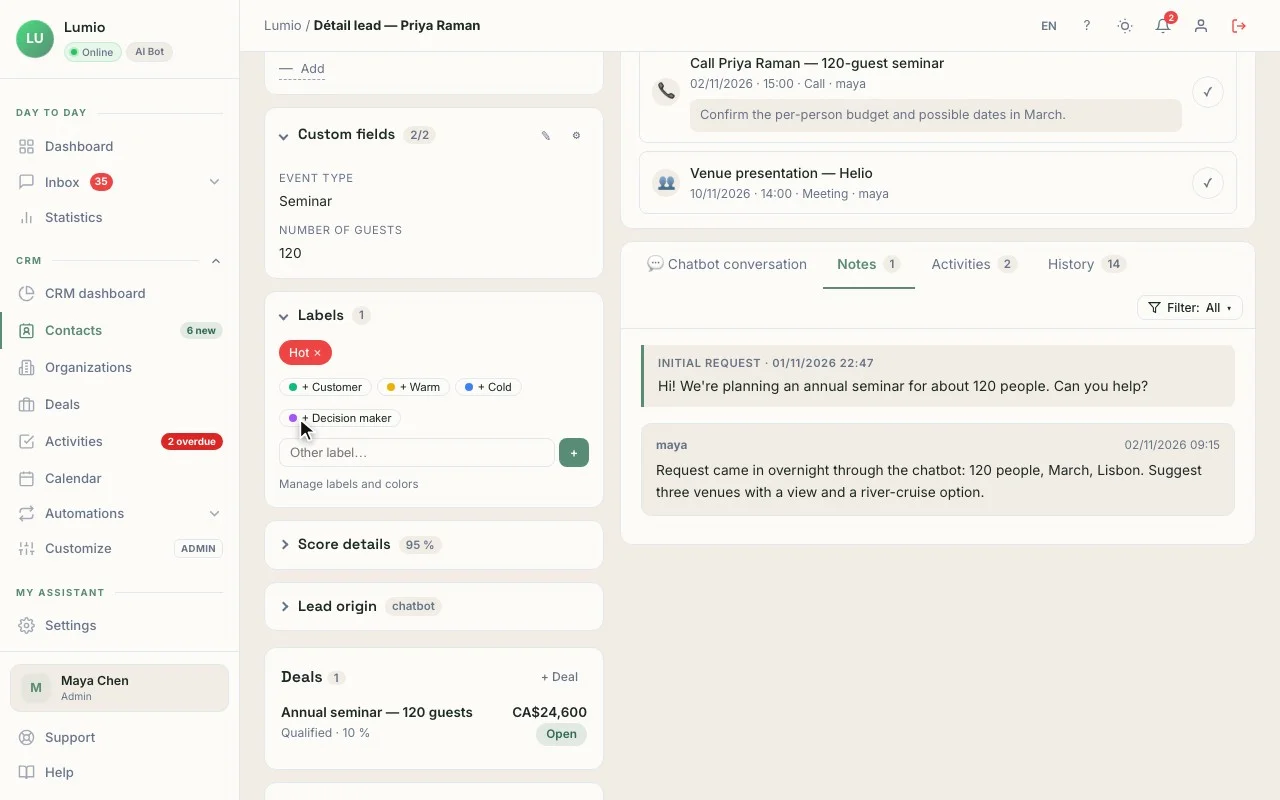
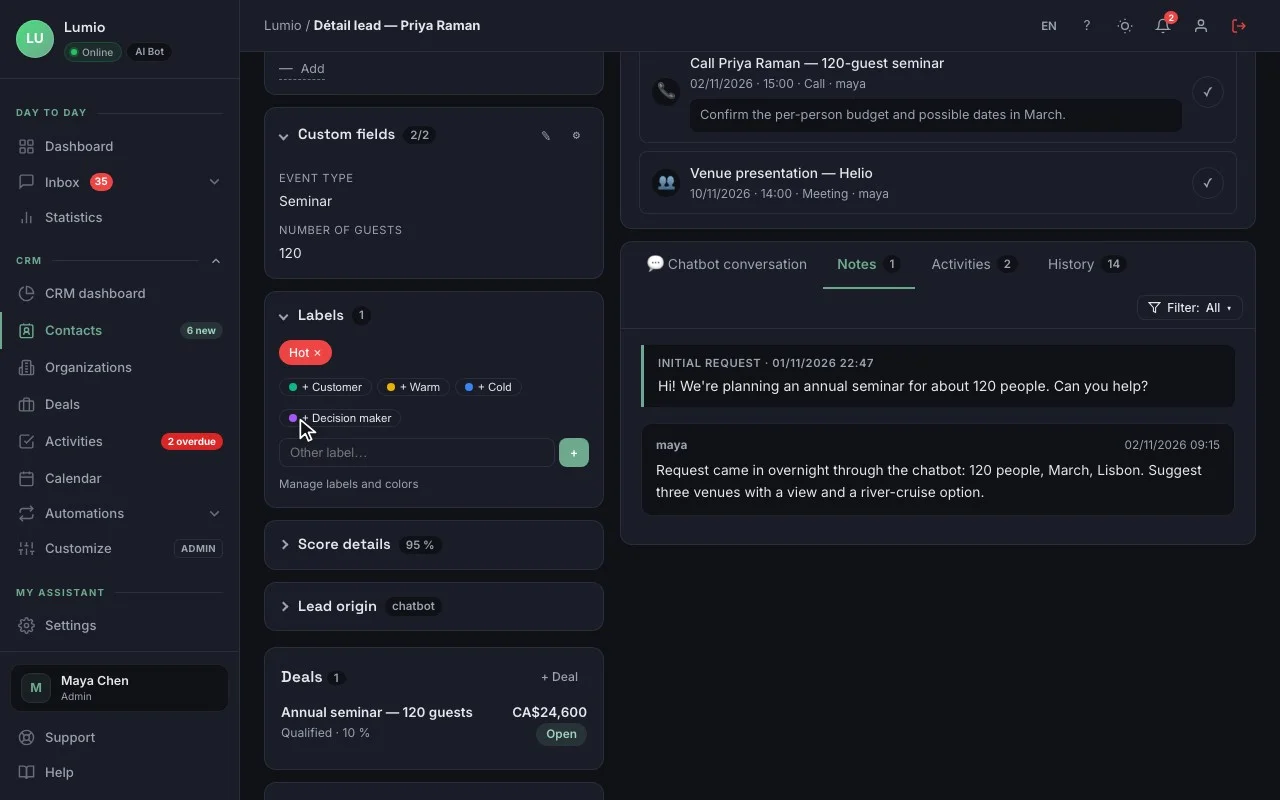
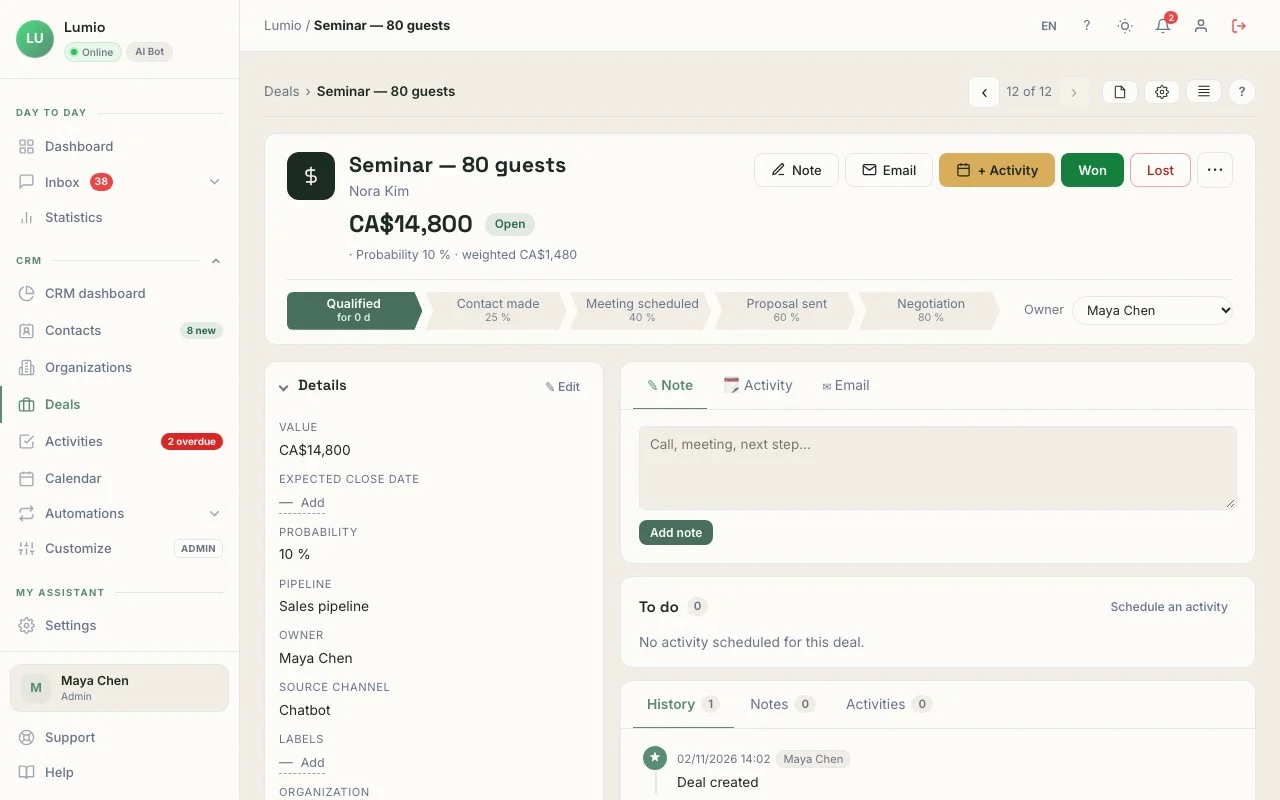
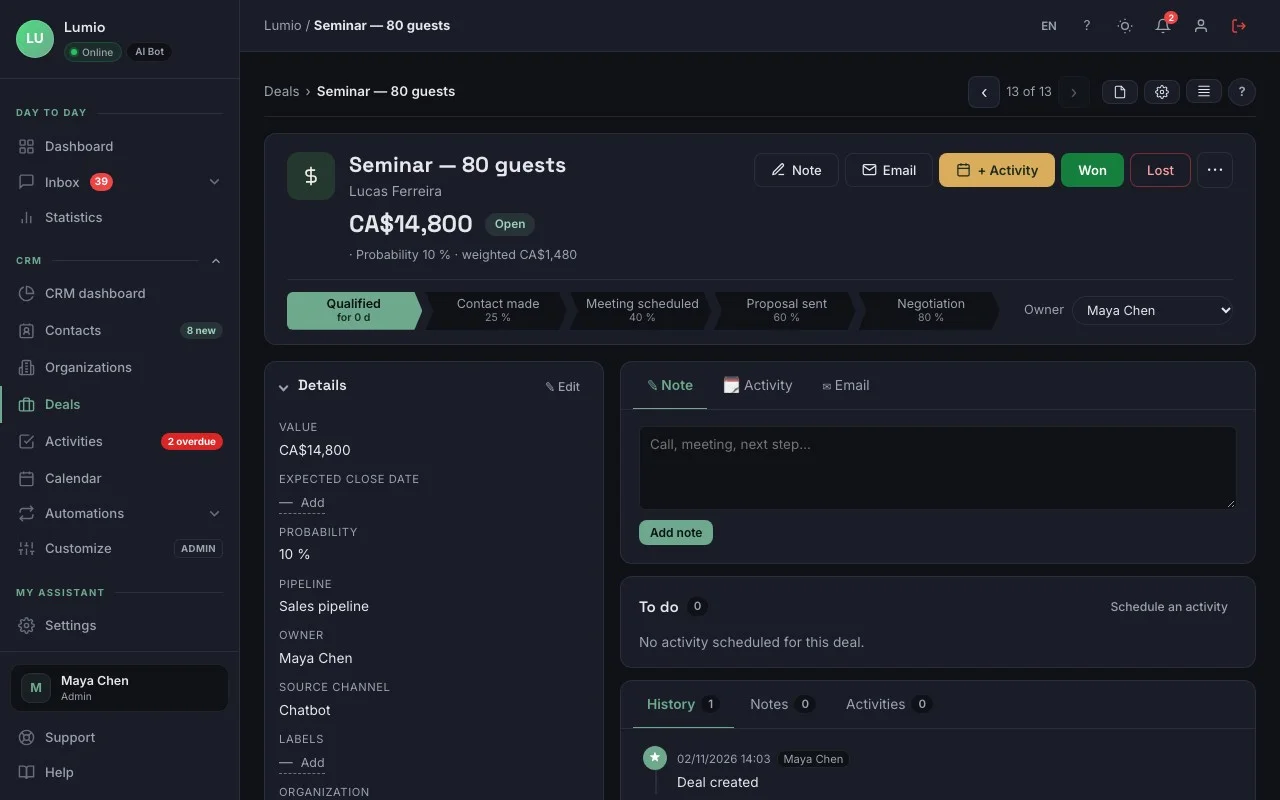
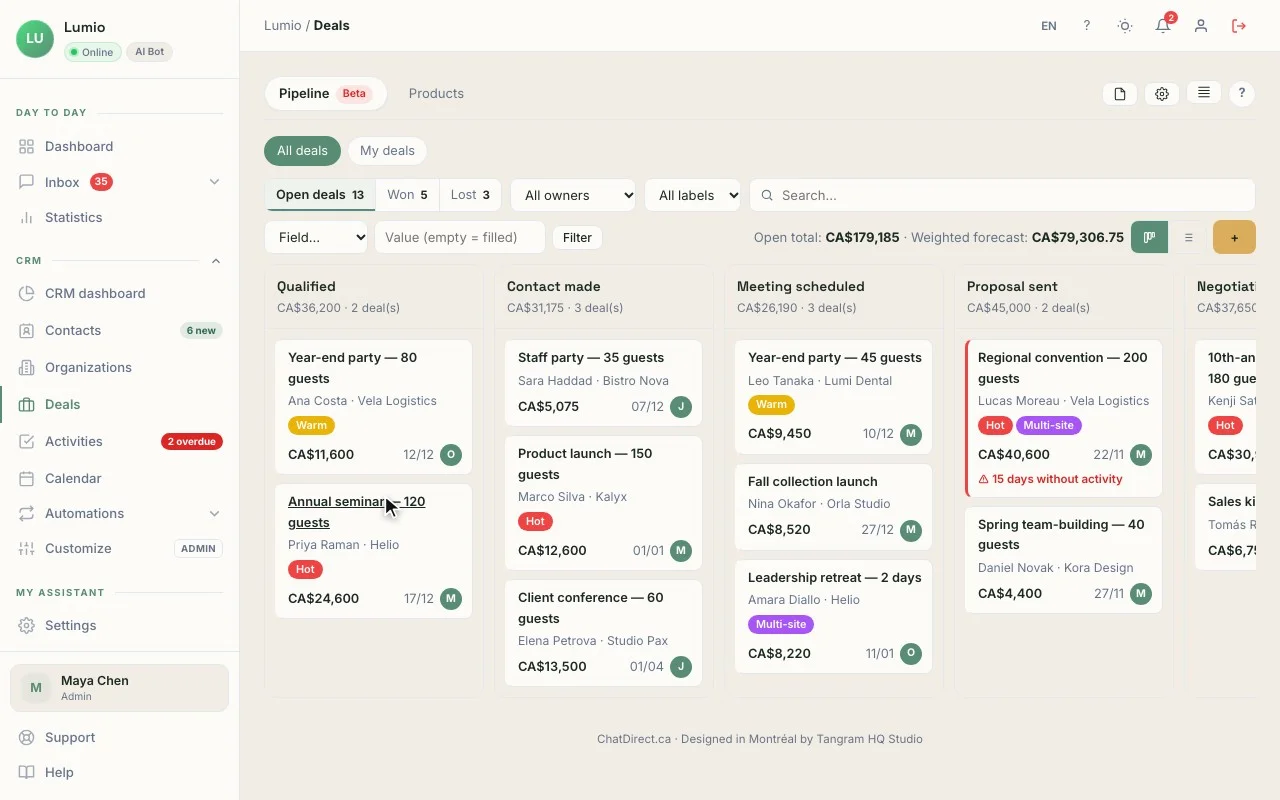
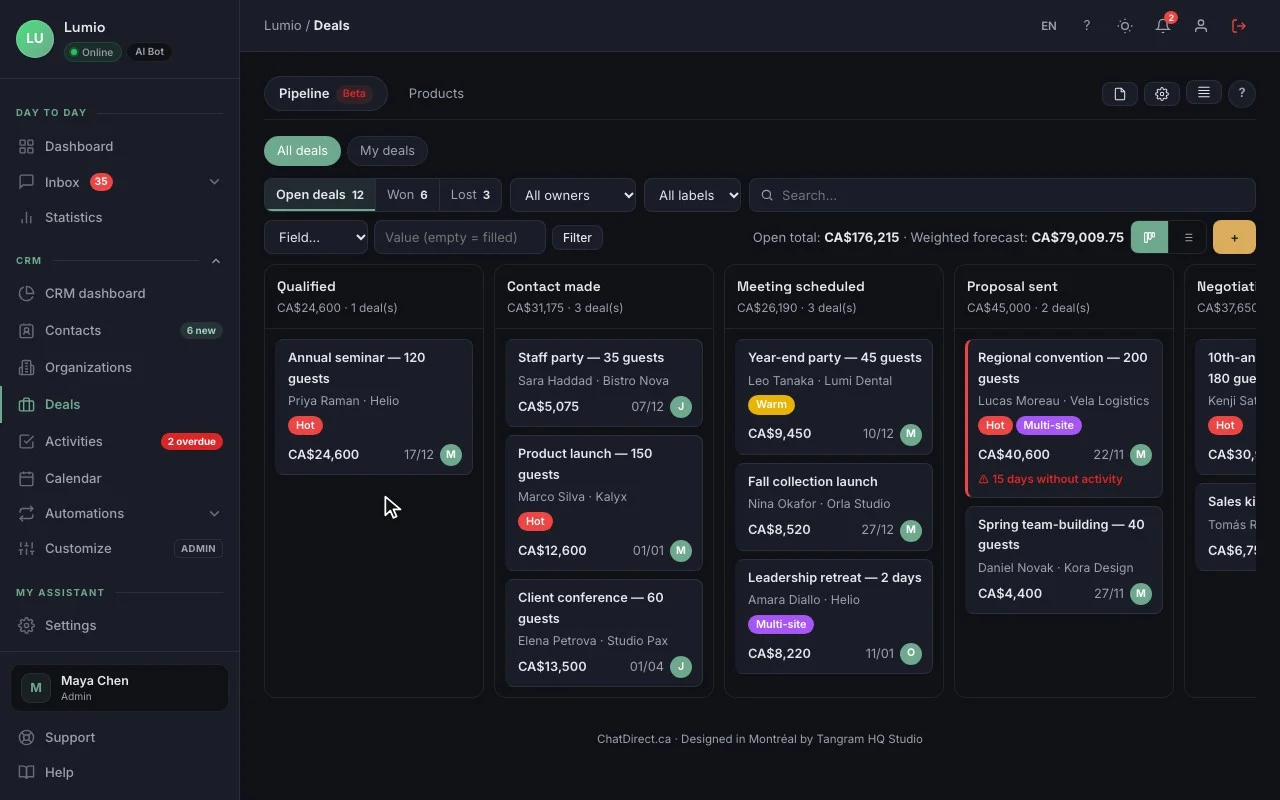
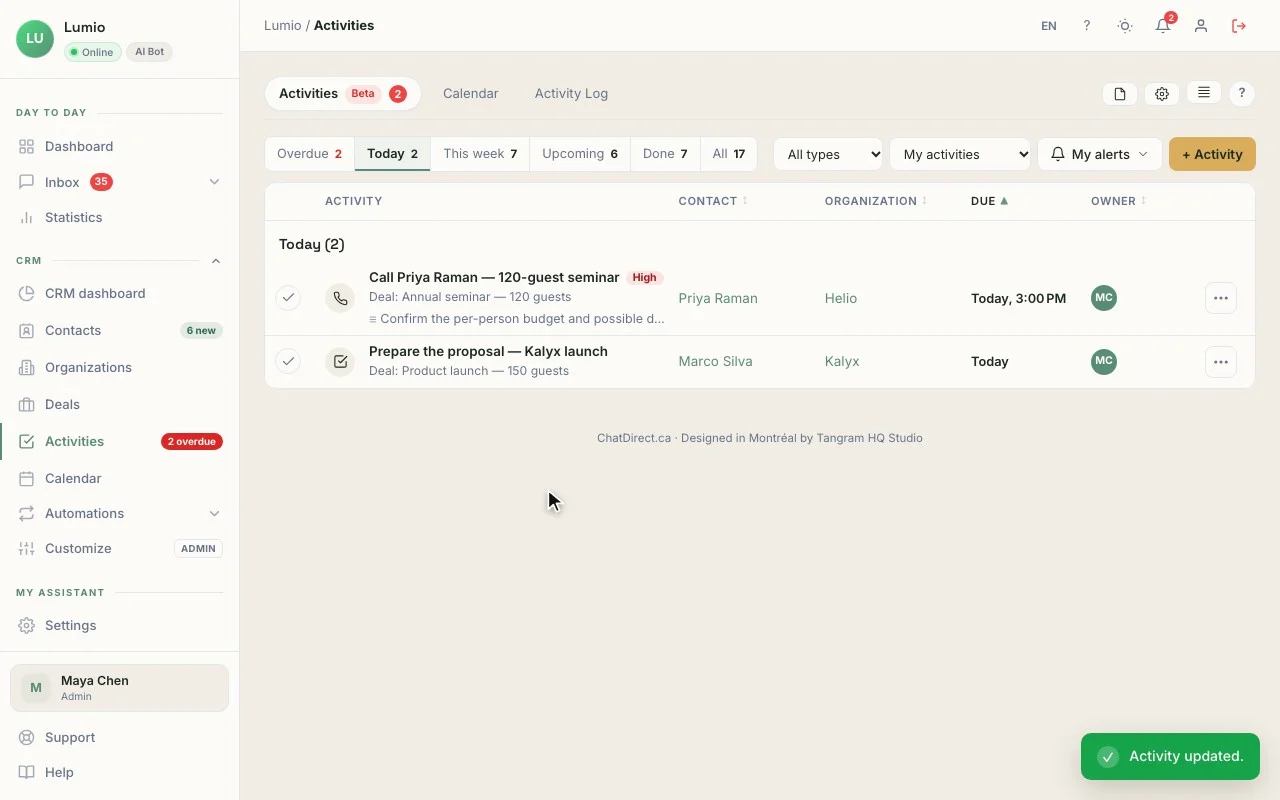
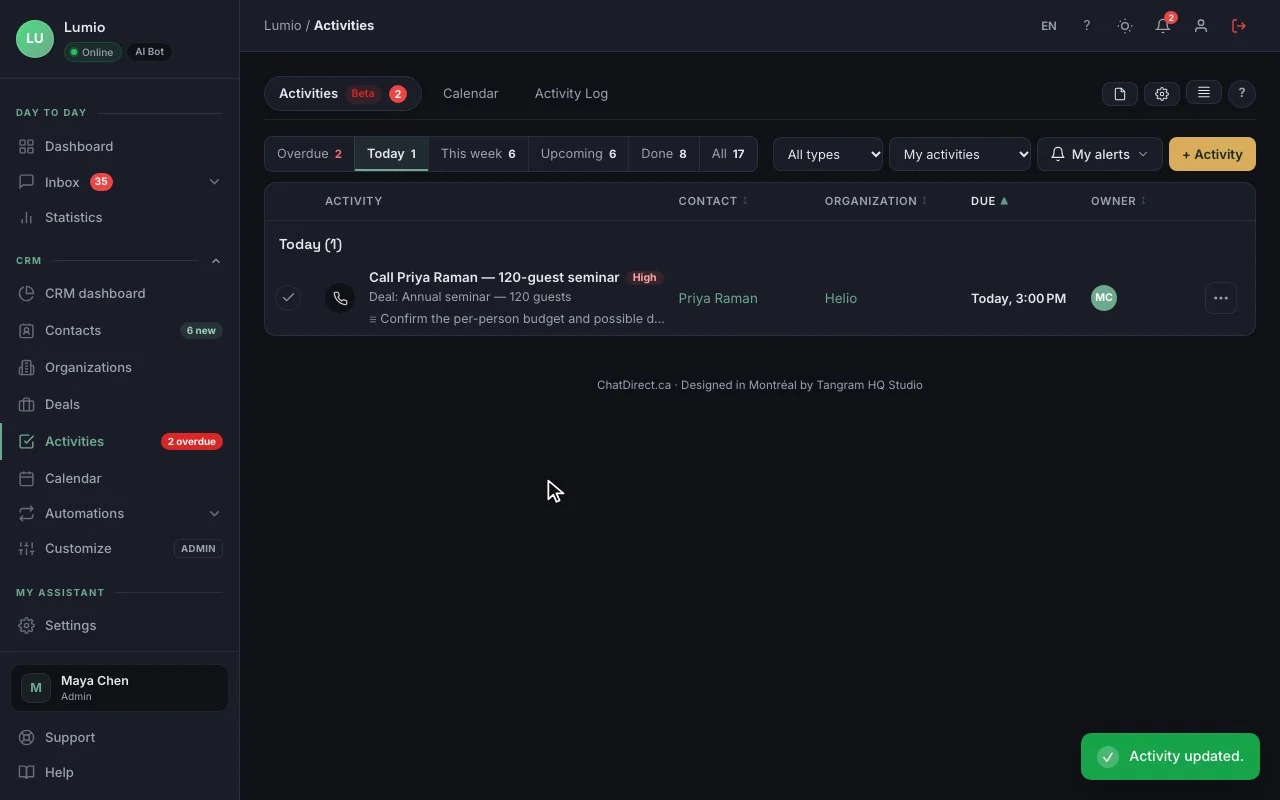
The contact record, with the conversation that brought them in. The real CRM, fictional data (Lumio agency).
In your account, records and deals hold your own requests.
01The record
"Full kitchen, 12 × 14 ft, start in March", the lead source (Chatbot · 12:26 PM) and a score from 0 to 15, with nothing to retype.
02The deal
"Kitchen remodel · 12 × 14 ft", CA$38,000, at the New stage, created in one click from the record.
03The activity
"Set the site visit with Lucas Moreau", tomorrow at 7:30 AM, before you head out, with an alert.
04The pipeline
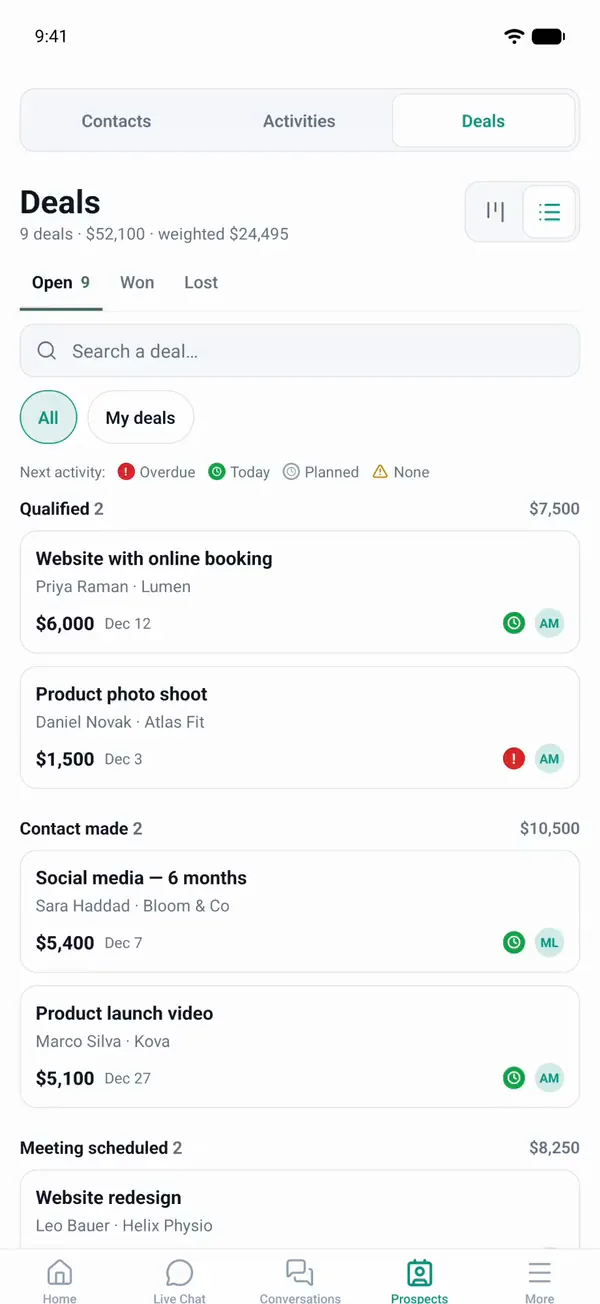
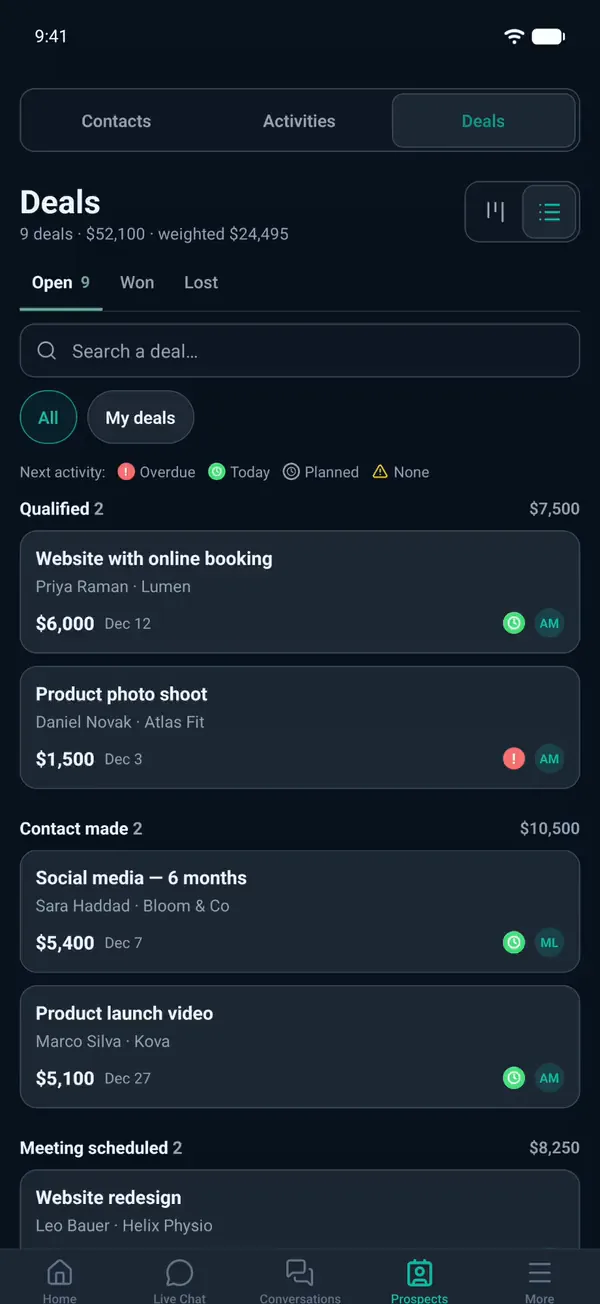
New, Contacted, Site visit, Quote, Signed: all your open quotes at a glance, and a weighted forecast to plan the season.
The CRM is included in every plan, trial included. The number of contacts depends on the plan: 100 during the trial, then 250, 2,500, 10,000 or 20,000. See pricing
A typical day
12:26 PMAt noon, the AI agent greets
Do you do full kitchen remodels?
Cedro Renovations · AI agent
Yes, from demolition to finishing. Roughly how big is your kitchen, and when would you like to start?
Lucas Moreau, lucas.moreau@mail.example
Thanks, Lucas! The estimator will email you tomorrow to schedule the site visit.
Contact record created in the CRM
7:00 AMIn the morning, “My day”
My day3 new requests yesterday
- LMLucas MoreauKitchen · 12 × 14 ft
- PAPriscila AlvesBathroom · visit to schedule
- MTMark TremblayQuote sent · overdue
5:45 PMBy day, you sign
- Prospect source
- Chatbot · 12:26 PM
- Preferred start
- March
Three ways to use it in renovation and construction
General renovation contractor
Kitchens, bathrooms, basements: the agent qualifies the request and receives photos; your quotes move through the pipeline. A CRM for contractors that fills itself from your website.
Specialty trade
Roofing, plumbing, electrical, painting: it answers questions about your service area and lead times, and every service call becomes a record to call back.
New builds and additions
It collects the project, the lot and the timeline; longer projects are tracked as deals, with their value.
Tools that go with it
- Photo and plan uploads from visitors, a widget option all plans
- Booking link for the estimate visit trial, Pro and up
- Quote request web forms connected to the CRM Pro and up
- Chatbot on SMS Business and up
Your data, hosted in Canada
Data hosted in Canada, encrypted connections (HTTPS), API keys and credentials encrypted (AES-256), hashed passwords. ChatDirect gives you settings that help you meet Quebec’s Law 25 and the GDPR: consent, retention period, export and deletion of a visitor’s data. Message content is sent to the AI provider you choose to generate replies. Privacy policy
Frequently asked questions
Can the chatbot write a quote?
No. It collects the basics (type of work, dimensions, timeline, photos) and contact details. You write the quote after the visit, and track it in the CRM.
How do I reply when I’m on a job site?
You get an email for every new request and an alert in the portal, which you can open in your phone’s browser to take over the conversation. The iOS and Android app is coming soon to the stores.
Does the CRM follow up with clients who hesitate?
Not automatically yet: automatic follow-up emails are coming soon. Today, an activity with an alert reminds you to follow up, and the email can be drafted with AI (Pro and up).
Tomorrow, on the job site, your website can already take your quote requests.
Install ChatDirect tonight: tomorrow morning, “My day” will tell you who to call. Free 14-day trial, no commitment.